Self Storage website examples
The self storage demo puts security first - a fenced property, a personal gate code, cameras on every aisle - and then helps a renter pick a unit size from what they are storing.
See a real Self Storage website
The business name, the town and the reviews on StoreSafe Self Storage are sample details, not a customer.
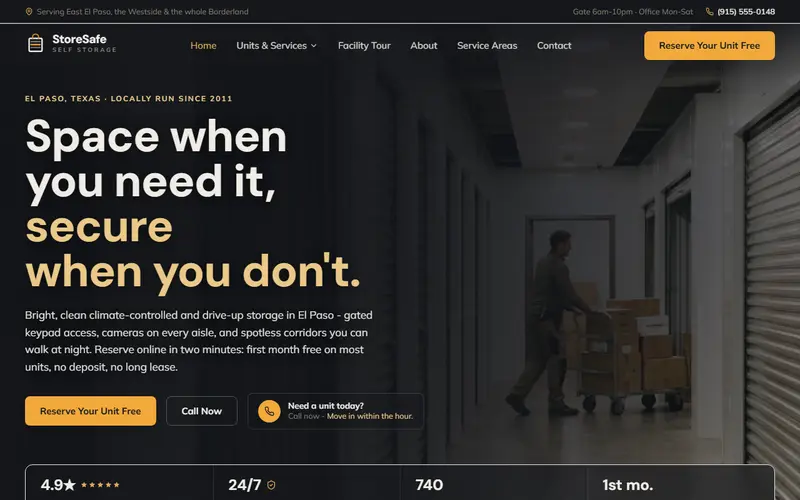
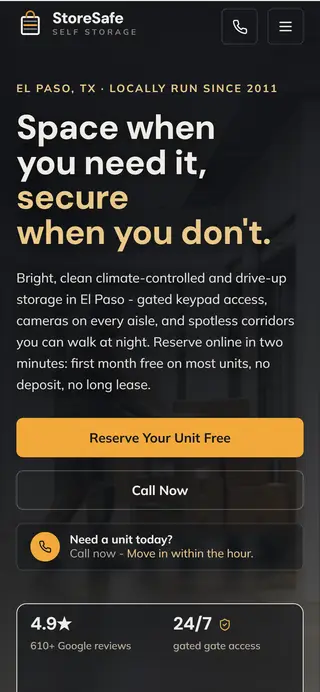
DesktopPhone
Why the Self Storage demo is built this way
Renters compare storage on price, then on whether their things will be safe. Showing the gate, the codes and the cameras, then helping them pick a size, settles the safety question and keeps them from renting the wrong unit. Your site would carry your own units, rates and facility photos.
What is on the Self Storage demo, section by section
- Security. The gate, the personal access code and the cameras, explained.
- What we store. Climate-controlled, drive-up, vehicle and business storage.
- A facility for everything. A walk down the aisle of unit types.
- Find your unit size. The visitor lists what they are storing and gets a size.
- Take a look around. Facility photos before the first visit.
- Not all storage is equal. What having staff on site means when something goes wrong.
The services it lists
- Climate-Controlled Units
- Drive-Up Units
- RV, Boat & Vehicle Storage
- Business & Inventory Storage
- Gated Access & Security
- Moving & Packing Supplies
Questions it answers before anyone calls
Want one for your own business?
Titan builds a site like this one for your own business, from your name, your services, your town and your photos. See what it costs, or start below and see yours first.
More examples
Type your business name and we build your own Self Storage site while you wait. Free to see.
Build my free site